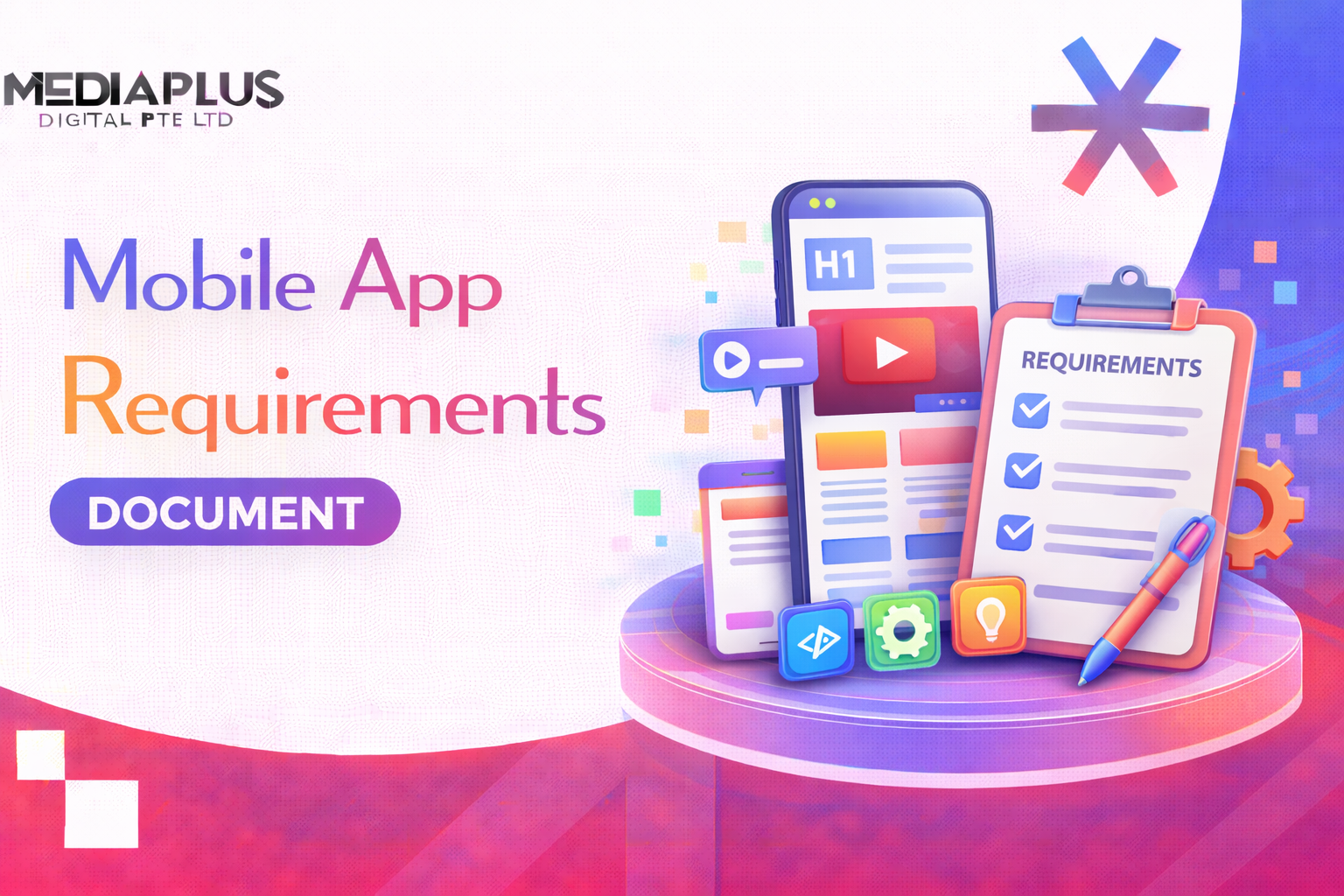
If you are about to brief a developer, you have probably searched for a mobile app documentation example to see what a real one looks like, not just a description of one. This guide gives you exactly that: a filled-in sample you can copy, section by section, plus a blank template and notes on what each part should say. Use it to write documentation your developers will actually follow.
What is mobile app documentation?
Mobile app documentation is the written specification of what your app does, who it is for, and how it should work. It turns a vague idea into a clear brief a developer can build from and quote against. Depending on the team, it goes by a few names: a requirements document, a product requirements document (PRD), a functional specification, or simply the app spec.
A good document answers three questions without ambiguity: what are we building, for whom, and how will we know it is done.
Why a worked example beats a blank template
A blank template tells you the headings. A worked example shows you the level of detail that actually makes a document useful. The most common mistake is writing requirements that are too vague to build or test. “The app should be fast” is not a requirement. “Screens load in under two seconds on 4G” is.
So below you get both: a full sample document for a fictional app, then the blank template underneath.
Mobile app documentation example (a full sample)
Here is a complete sample for a fictional food delivery app called QuickBite. It is deliberately short but shows the right shape and specificity for each section. Copy the structure, swap in your own detail.
1. Project overview
- App name: QuickBite
- Prepared by: Jane Lim, Product Owner
- Last updated: July 2026
- One-line summary: A mobile app that lets users in Kuala Lumpur order food from nearby restaurants for delivery in under 45 minutes.
- Goal: Launch a working app in six months that processes 500 orders a week by month three post-launch.
- Platforms: iOS and Android (React Native).
2. Target users and personas
Primary persona: Aisha, 29, busy professional – Works long hours, orders dinner 3 to 4 times a week. – Wants to reorder her usual meal in under a minute. – Frustration: existing apps are slow and hide delivery fees until checkout.
Secondary persona: Restaurant owner, small cafe – Wants incoming orders without a complicated dashboard. – Needs to mark items out of stock quickly.
3. Functional requirements
Written as clear, testable statements.
|
ID |
Requirement |
Priority |
|
F1 |
A user can create an account with email or phone number |
Must have |
|
F2 |
A user can browse restaurants filtered by cuisine and distance |
Must have |
|
F3 |
A user can add items to a cart and see the total including delivery fee before checkout |
Must have |
|
F4 |
A user can pay by card or e-wallet (FPX, GrabPay, Touch n Go) |
Must have |
|
F5 |
A user can track their order status in real time |
Must have |
|
F6 |
A user can reorder a past order in one tap |
Should have |
|
F7 |
A user can rate the order after delivery |
Should have |
4. User stories
- As a hungry user, I want to see restaurants near me sorted by delivery time, so I can pick the fastest option.
- As a returning user, I want to reorder my last meal in one tap, so I do not have to search again.
- As a restaurant owner, I want to mark an item sold out, so customers do not order what I cannot make.
5. Non-functional requirements
The details that make an app usable but are easy to forget.
- Performance: Restaurant list loads in under two seconds on 4G.
- Offline behaviour: The app shows a clear message and the last-loaded cart when there is no connection.
- Security: Card data is never stored on the device; payments go through the payment provider’s SDK.
- Scalability: The backend handles 1,000 concurrent users at launch.
- Accessibility: Text scales with the device font size; buttons meet minimum tap-target size.
6. Technical specifications
- Frontend: React Native.
- Backend: Node.js with a PostgreSQL database.
- Key integrations: Stripe for cards, GrabPay and Touch n Go e-wallets, Google Maps for delivery tracking, Firebase for push notifications.
- Data stored: User profile and order history in the cloud; cart cached on device.
7. Screens and user flow
List the core screens and how they connect.
- Onboarding and sign-up
- Home and restaurant list
- Restaurant menu
- Cart and checkout
- Payment
- Order tracking
- Order history and reorder
- Profile and settings
Primary flow: Open app to Home, pick restaurant, add items, checkout, pay, track order.
8. Out of scope (for version 1)
Being explicit about what you are not building prevents scope creep.
- No in-app chat with the driver (use a call button instead).
- No loyalty or points system in version 1.
- No web version at launch.
9. Timeline and milestones
|
Milestone |
Target |
|
Designs approved |
Month 1 |
|
Core ordering flow built |
Month 3 |
|
Payments and tracking done |
Month 4 |
|
Testing and fixes |
Month 5 |
|
Launch |
Month 6 |
10. Acceptance criteria
How you will know each feature is done. For F3 (cart total):
- The cart shows item subtotal, delivery fee, and grand total.
- The delivery fee updates when the address changes.
- The total matches the amount charged at payment.
That is a complete, if compact, mobile app documentation sample. Now here is the blank version.
Mobile app documentation template (blank)
Copy this and fill it in.
|
Section |
What to write |
|
Project overview |
App name, author, date, one-line summary, goal, platforms |
|
Target users and personas |
Who the app is for, with one or two detailed personas |
|
Functional requirements |
Numbered, testable statements of what the app does, with priority |
|
User stories |
“As a [user], I want to [action], so that [benefit]” |
|
Non-functional requirements |
Performance, offline, security, scalability, accessibility |
|
Technical specifications |
Frontend, backend, database, integrations, data storage |
|
Screens and user flow |
The core screens and how the user moves through them |
|
Out of scope |
What you are deliberately not building in version 1 |
|
Timeline and milestones |
Key dates from design to launch |
|
Acceptance criteria |
How you will confirm each feature is complete |
How to write each section well
- Make every requirement testable. If you cannot write a pass or fail check for it, rewrite it. “Fast” becomes “loads in under two seconds”.
- Prioritise ruthlessly. Label each feature must have, should have, or nice to have. It protects your budget when time runs short.
- Show, do not just tell. A simple flow list or wireframe removes more confusion than paragraphs of prose.
- State what is out of scope. The cheapest way to avoid a budget blowout is to write down what you are not building.
- Keep it living. Add a “last updated” date and update the document as decisions change, so it stays the single source of truth.
Common mistakes to avoid
- Vague requirements that cannot be built or tested.
- No priorities, so everything feels equally urgent and the budget balloons.
- Skipping non-functional requirements like offline behaviour and load times, which are where mobile apps live or die.
- No acceptance criteria, so nobody agrees on when a feature is finished.
- Writing it once and forgetting it, so the document and the app drift apart.
Frequently asked questions
What is a mobile app documentation example?
It is a filled-in sample of an app requirements document showing real content in each section, such as functional requirements, user stories, and technical specs, so you can see the level of detail expected and copy the structure for your own app.
What should a mobile app documentation sample include?
At minimum: a project overview, target users, functional requirements, user stories, non-functional requirements, technical specifications, screens and flow, out-of-scope items, a timeline, and acceptance criteria.
Is app documentation the same as a PRD?
Broadly yes. A product requirements document (PRD), a functional specification, and an app requirements document all describe what to build. The name varies by team; the purpose is the same.
How long should mobile app documentation be?
Long enough to remove ambiguity, no longer. A simple app might need a few pages; a complex one, many. Detail matters more than length: every requirement should be clear and testable.
Who writes the app documentation?
Usually the product owner or business owner, often with input from a developer or a development agency who can flag technical constraints early.
Turn your documentation into a working app
A clear document is the foundation of a project that lands on time and on budget. If you would rather have experts help you write the spec and build the app, our mobile app development team can take you from idea to launch. We also build websites and ecommerce stores for businesses across Malaysia.
Ready to start? Talk to MediaPlus Digital and claim a free RM300 consultation on your app project.