
Business Email Hosting in Malaysia
New business email, additional team accounts or a planned move from an existing provider.
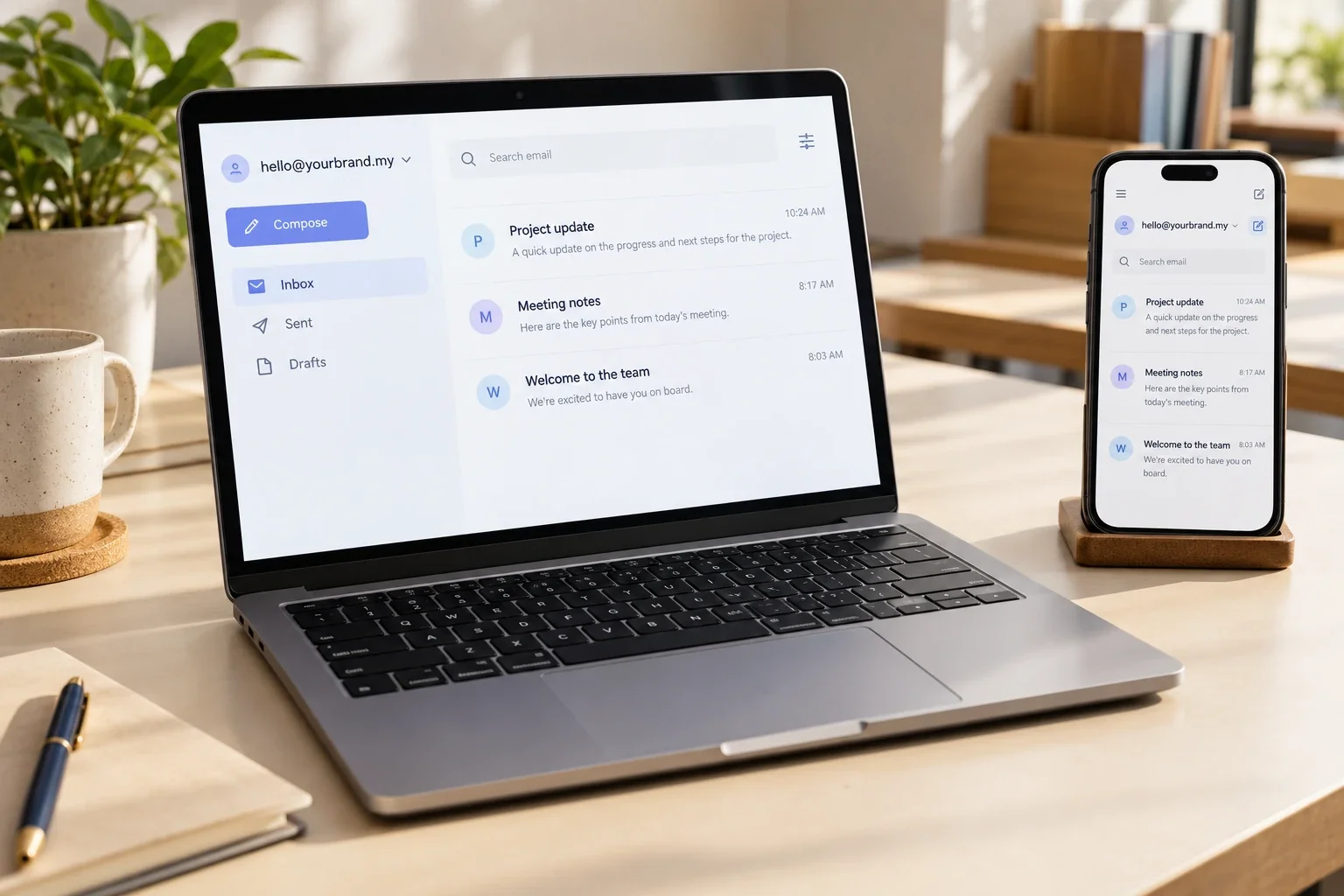
Illustrative email mockup. The interface and features depend on the selected hosting plan and email application.
Make it clear who your customers are speaking to.
Use a business domain for customer enquiries, quotations and everyday communication. Plan staff accounts and shared addresses around your actual workflow.
hello@yourcompany.com
Example address for illustration only.
Agree which addresses need their own mailbox, which can be aliases, and who should receive messages sent to team addresses such as sales or accounts.
From the domain
to the first test email.
MediaPlus offers business email within its domain and hosting services. Confirm the selected platform, limits and responsibilities in your proposal.
Mailbox planning
List your users, shared addresses, aliases and existing storage needs. Agree account ownership and which addresses need independent logins.
Domain & DNS setup
Coordinate the domain records needed for the chosen email service. Confirm who manages DNS and preserve the website and other existing services when making changes.
Account & app configuration
Set up the agreed mailboxes and provide the connection details for supported webmail or email applications. Device setup and hands-on assistance should be included explicitly where required.
Email authentication
Review the SPF, DKIM and DMARC requirements supported by the chosen provider. Include authorised website forms and other senders in the review; authentication alone does not guarantee inbox placement.
Migration coordination
Assess the existing provider, mailbox size and access before agreeing migration work. Define what can be transferred, the changeover window and checks before retiring the old service.
Handover & support scope
Document account administration, renewal responsibilities and the support contact. Agree how staff changes, password recovery and future mailbox requests will be handled.
Keep the changeover organised.
Email may contain years of business conversations. A migration needs an agreed scope and a careful handover, rather than a promise that every item will transfer automatically.
- Inventory first: accounts, aliases, mailbox sizes, connected devices and other systems that send email.
- Confirm access: domain management, current hosting and the accounts needed for migration.
- Agree what moves: email, folders, contacts and calendars may require different transfer methods.
- Test before retiring: check incoming and outgoing messages and confirm what old data must be retained.
Timing and transfer coverage depend on the current and destination services. Agree the changeover plan and any limitations before work begins.
The right scope starts
with the right questions.
A mailbox count alone is not enough to choose a plan. Review how your team uses email and what they need to keep.
| What to review | Why it matters | What to agree |
|---|---|---|
| Users and team addresses | An alias, shared inbox and staff mailbox serve different purposes. | Mailbox count, permissions and how shared enquiries are assigned. |
| Storage and attachments | Existing archives and large files affect suitability and migration effort. | Per-mailbox storage, sending limits and any archive requirements. |
| Apps and collaboration | Email hosting does not automatically include office apps or shared calendars. | Supported applications and any separately licensed tools. |
| Security and recovery | Available controls vary by platform and plan. | Authentication options, spam filtering, backup, retention and recovery arrangements. |
| Ownership and renewals | Business access should survive staff and supplier changes. | Admin access, renewal dates, charges and an exit or transfer process. |
A clear route to your new inbox.
Review the requirements first, then configure, test and hand over the agreed service.
Review
Share your domain, users, current provider and migration needs.
Agree
Confirm the platform, mailbox limits, fees and setup responsibilities.
Configure
Create accounts, coordinate DNS and complete the agreed transfer work.
Test & hand over
Check mail flow, confirm access and document administration and support.
Connect email with the rest of your website support.
When your domain, website and email are managed by different providers, agreeing responsibilities helps avoid confusion. Discuss what MediaPlus will manage and what remains with your existing suppliers.
For a new website, plan enquiry-form delivery alongside your mailboxes. For an existing business, check which systems send on your domain before changing email records.

MediaPlus Digital team. Support coverage and responsibilities are defined in the agreed service scope.
Frequently Asked Questions
It is the service that sends, receives and stores email for addresses using your domain, such as hello@yourcompany.com. Domain registration, website hosting and email hosting are related but separate services.
Usually, an existing domain can be connected to a compatible email service by updating its DNS records. We first need to confirm access, the current configuration and whether any other services depend on those records.
Email can be hosted separately from your website. Review the domain records and supplier responsibilities so an email change does not unintentionally affect the website or other connected services.
Migration can be assessed as part of the proposal. Transfer options depend on the source and destination platforms, available access, data volume and export options. Confirm separately whether contacts, calendars, rules or archives are included.
No uninterrupted-service promise is made here. A planned changeover can reduce disruption, but DNS updates, provider behaviour and device configuration can affect timing. Agree the transition window, fallback arrangements and checks in advance.
Compatibility depends on the selected hosting service and application. Confirm supported connection methods and which devices need assistance. Any application licences or device configuration work should be agreed in the quote.
Features vary by provider and plan. Confirm spam filtering, authentication options, retention, backups and recovery terms explicitly. A mailbox service should not be treated as a guaranteed independent archive of every message.
Those are separate platforms with their own subscriptions and feature sets. This page does not imply they are included or that MediaPlus is an authorised reseller. If you use either platform, tell us so we can confirm whether your requested setup work is supported.
Ordinary business email hosting should not be assumed suitable for bulk campaigns. Sending limits and acceptable-use rules depend on the provider. Discuss a suitable campaign platform and domain configuration separately if marketing sends are required.
Request a quote based on users, storage, platform, setup and migration requirements. Ask for recurring fees, renewal terms, optional work and any third-party licences to be shown clearly before you proceed.
Ready for email on your own domain?
Share your domain, team size and current setup. We’ll discuss the scope for your business email service.