Quick answer: UI stands for user interface, the visual and interactive part of a product that people see and use: the buttons, screens, icons, menus, typography, colours, and spacing. Good UI design makes a website or app look clear and professional and easy to act on. UI is the “look and feel” layer; it works hand in hand with UX (user experience), which is how the whole thing works.
What is UI?
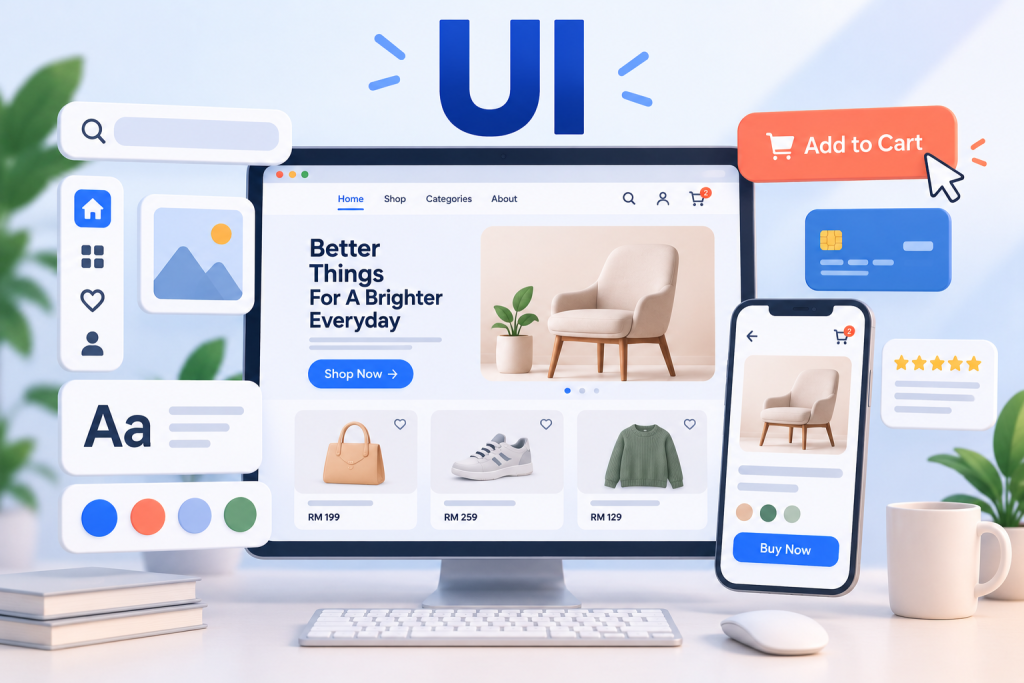
UI (user interface) is everything a person interacts with on a screen: the layout, buttons, forms, icons, images, text, colours, and animations. It is the point where a human meets a digital product. Good UI design makes that meeting clear, attractive, and effortless; poor UI makes people confused or hesitant.
Think of a product as a building: UI is the interior design and finish, the surfaces you actually see and touch.

What UI design includes
- Layout and visual hierarchy: organising elements so the eye knows where to go.
- Colour and typography: readable, on-brand, consistent.
- Buttons and interactive elements: clear, obvious, easy to tap or click.
- Icons and imagery: helping users understand at a glance.
- Spacing and consistency: white space and repeated patterns that make a product feel coherent.
- States and feedback: hover, active, loading, and error states that respond to the user.
UI vs UX: what’s the difference?
People often confuse them:
- UI (user interface) is how a product looks and responds, the visual, interactive surface.
- UX (user experience) is how a product works and feels to use overall, the research, structure, and flow.
UI is one important part of UX. A beautiful interface (good UI) can still be confusing to use (bad UX), and a well-thought-out flow (good UX) can look dated (bad UI). You need both. See our full UI vs UX guide.
Why good UI matters
- First impressions: people judge credibility in seconds, largely on how a site looks.
- Conversions: clear buttons and layouts guide people to act.
- Ease of use: good UI makes the next step obvious.
- Trust: a polished, consistent interface signals a real, reliable business.
- Brand: UI is where your brand comes to life on screen.
Principles of good UI design
- Clarity: every element has a clear purpose.
- Consistency: the same patterns and styles throughout.
- Hierarchy: the most important things stand out.
- Simplicity: remove clutter so the message and action are obvious.
- Feedback: the interface responds to what the user does.
- Accessibility: good contrast and readable text so everyone can use it.
Frequently asked questions
What does UI stand for?
User interface, the visual and interactive part of a product that people see and use.
What is the difference between UI and UX?
UI is how a product looks and responds (the interface); UX is how it works and feels overall (the experience). UI is a part of UX.
What does a UI designer do?
Designs the visual and interactive elements: layout, colour, typography, buttons, icons, and how they respond, turning a UX plan into a polished screen.
Why is UI important?
It shapes first impressions, trust, and conversions. Clear, attractive, consistent UI makes a product credible and easy to use.
What makes good UI design?
Clarity, consistency, visual hierarchy, simplicity, feedback, and accessibility.
The bottom line
UI is the visual, interactive surface of your website or app, the buttons, screens, and styling people actually use. Good UI makes a product clear, attractive, and easy to act on, and paired with strong UX, it turns visitors into customers.
Want a website that looks great and is easy to use? Talk to MediaPlus Digital about web design, and claim a free RM300 consultation.