What Is UI? A Clear Guide to User Interface Design

what is ui

When people ask what is UI?, they are usually trying to understand why some websites and apps feel effortless while others feel frustrating. The answer sits at the surface of every digital product you use.

UI, or User Interface, is the layer where humans and technology meet. It is what users see, touch, click, tap, or speak to when interacting with software, websites, or devices. A well-designed UI helps users complete tasks smoothly without needing to think about how the interface works.

In today’s digital-first world, UI design is no longer just about aesthetics. It directly affects usability, trust, engagement, and conversion.

What Is UI (User Interface)?

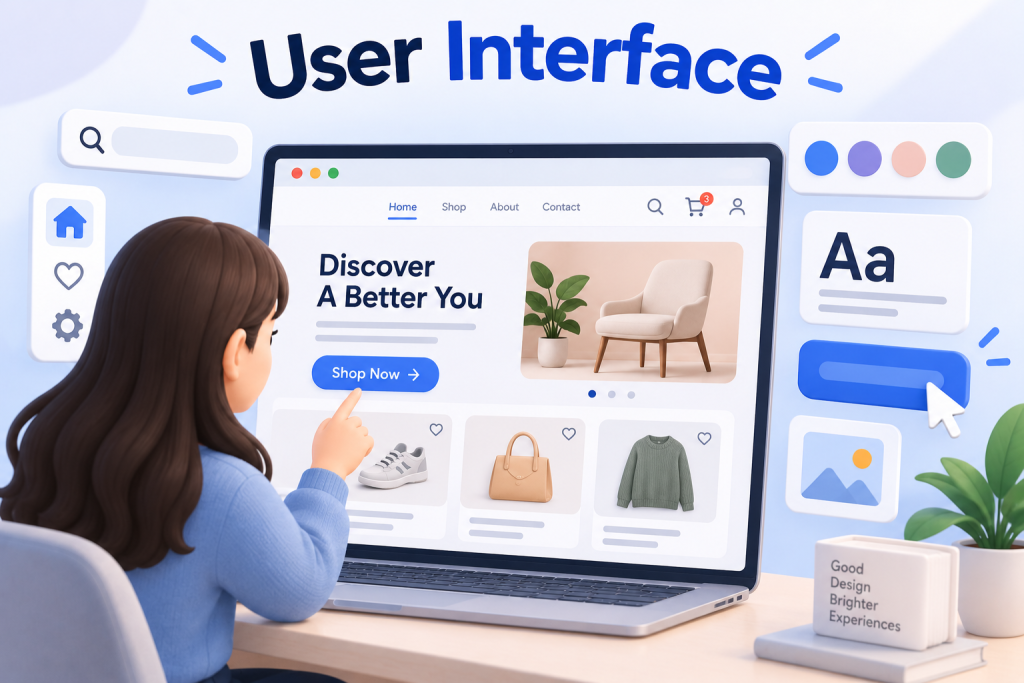
User Interface (UI) refers to the visual and interactive elements that allow users to interact with a digital product. This includes buttons, icons, typography, colors, layouts, animations, and feedback states.

UI design is the process of intentionally designing these elements so they are intuitive, accessible, and pleasant to use. The goal is not to impress users with decoration, but to help them achieve their goals with minimal effort.

A good UI feels almost invisible. Users focus on completing tasks, not figuring out how the interface works.

Types of User Interfaces

User interfaces appear in different forms depending on how users interact with a system.

Graphical User Interface (GUI)

Graphical user interfaces are the most common type. They use visual elements such as windows, buttons, menus, icons, and images. Websites, mobile apps, and desktop software all rely heavily on GUIs.

GUIs lower the learning curve and make digital products accessible to a wide audience.

Voice User Interface (VUI)

Voice user interfaces allow users to interact with systems using spoken commands. Examples include voice assistants on smartphones and smart speakers.

VUI design focuses on clarity, natural language, and accurate feedback since there is little or no visual guidance.

Gesture-Based Interfaces

Gesture-based interfaces rely on physical movement such as swiping, pinching, or motion tracking. These are common in mobile devices, gaming, and virtual or augmented reality environments.

Designing gesture-based UI requires careful attention to discoverability and feedback so users understand what actions are possible.

UI vs UX: What’s the Difference?

UI and UX are often mentioned together, but they solve different problems in product design.

UI (User Interface) design focuses on the visual and interactive layer of a product. It is about how the interface looks and how users interact with it on a screen. This includes elements such as colors, typography, spacing, buttons, icons, layout structure, and visual hierarchy. UI designers decide how information is presented and how interactions feel at a surface level.

UX (User Experience) design, on the other hand, looks at the bigger picture. It focuses on the overall experience a user has before, during, and after interacting with a product. UX covers usability, navigation flow, information structure, content clarity, performance, accessibility, and emotional response. It asks whether the product actually solves the user’s problem in a smooth and logical way.

A simple way to understand the difference is this:

  • UI is how the product looks and responds when you interact with it

  • UX is how the product works and feels throughout the entire journey

For example, an app can look modern and visually polished, but if users struggle to find key features or complete basic tasks, the UX is weak even if the UI looks good.

Strong UI design supports good UX by making interactions clear and intuitive. However, visually attractive interfaces alone cannot fix poor user experience decisions. If the structure, flow, or logic of a product is flawed, no amount of visual styling will make it feel truly easy or enjoyable to use.

Core Principles of Good UI Design

Clarity and Simplicity

Users form opinions about an interface extremely fast, often within the first few seconds. If the layout feels cluttered or unclear, trust drops immediately. Good UI removes uncertainty by using clear labels, familiar patterns, and focused layouts that guide users naturally toward their next action.

Simplicity does not mean removing features. It means removing distraction. Every element on the screen should have a clear purpose. When users do not have to stop and think about what something means, the interface feels effortless.

Consistency

Consistency is one of the fastest ways to make an interface feel intuitive. Buttons, colors, icons, spacing, and interaction behaviors should stay the same across screens and devices. When similar elements behave differently, users are forced to relearn the interface repeatedly.

Consistent UI reduces cognitive load and helps users build confidence quickly. Over time, users rely on visual memory instead of conscious effort, which makes the product feel easier and faster to use.

Visual Hierarchy

Good UI design guides attention instead of competing for it. Visual hierarchy uses size, contrast, spacing, color, and typography to show users what matters most at any given moment.

Primary actions should stand out. Supporting information should be visible but not dominant. When hierarchy is done well, users can scan a screen and immediately understand where to look first, what to read next, and what action to take.

Predictable Interactions

Interfaces should behave the way users expect them to. Common actions like tapping a button, submitting a form, or opening a menu should follow familiar patterns. When interactions are predictable, users can operate the interface almost automatically.

Surprising interactions may look creative, but they often create friction. Predictability builds comfort, reduces errors, and makes the product feel reliable rather than experimental.

Feedback and System Status

Users should never wonder if the system is working. Clear feedback reassures them that their actions have been received and processed. This includes loading indicators, confirmation messages, success states, and helpful error messages.

Even small feedback signals make a big difference. When users know what is happening and what to expect next, they feel in control. This sense of control is essential for trust, satisfaction, and long-term engagement.

Common UI Elements You See Every Day

Most interfaces are built using a combination of core UI components:

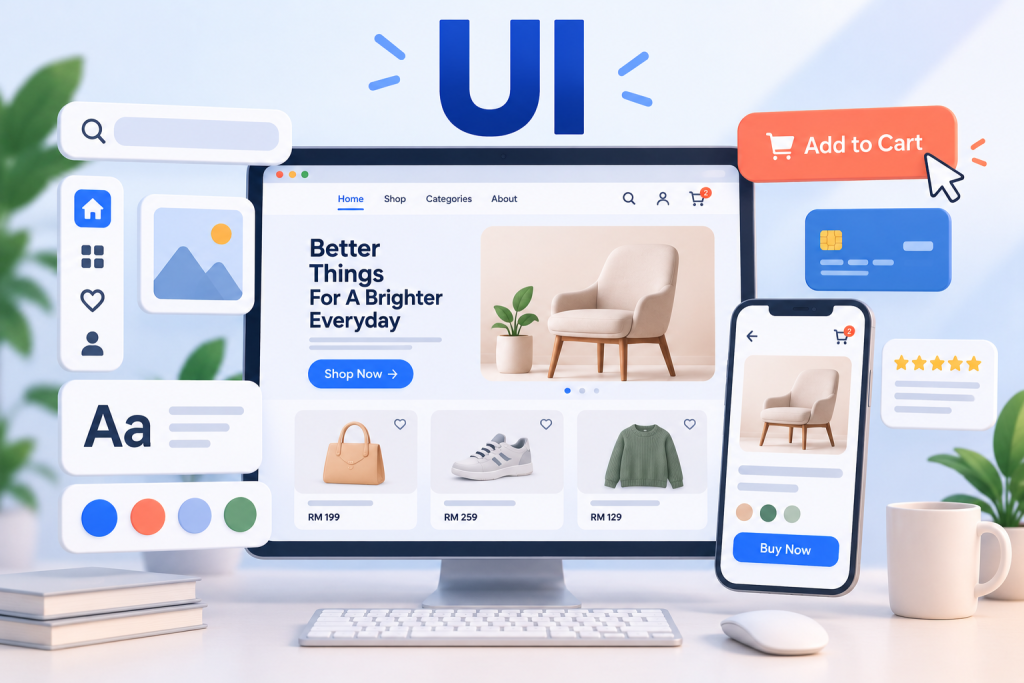
  • Buttons that trigger actions

  • Input fields such as text boxes, checkboxes, and dropdowns

  • Navigation elements like menus, tabs, and search bars

  • Informational elements including alerts, progress bars, and tooltips

Each element plays a specific role in helping users move through tasks efficiently.

Why UI Design Is Important for Businesses

UI design has a direct impact on business performance.

Research from Forrester shows that improving UI can significantly increase conversion rates and reduce user errors. When interfaces are easy to use, users complete actions faster and abandon less often.

A strong UI also builds trust. Users associate clean, consistent interfaces with professionalism and reliability. Poor UI, on the other hand, often signals low quality or risk, even if the product itself is solid.

For digital products, UI is not decoration. It is a growth lever.

The Evolution of User Interfaces

Early computers relied on command-line interfaces that required users to memorize commands. These systems were powerful but inaccessible to most people.

The introduction of graphical user interfaces transformed computing by making technology visual and intuitive. Over time, interfaces adapted to mobile devices, touch interaction, and now voice and AI-driven experiences.

Modern UI design continues to evolve toward simplicity, personalization, and accessibility, aiming to reduce friction as much as possible.

Conclusion: UI Is the Gateway to Digital Experience

So, what is UI? UI is the bridge between users and technology. It shapes whether a digital product feels intuitive or frustrating, trustworthy or confusing.

Great UI design is not about adding more elements. It is about removing friction, guiding attention, and helping users reach their goals with less effort. This is the mindset every serious web design company should bring to every project.

As digital products become more competitive, UI design is no longer optional. It is a core part of building experiences users actually want to return to. At Mediaplus Digital Malaysia, UI is treated as a strategic tool, not just a visual layer.

A well-designed interface does not demand attention. It earns it by working exactly the way users expect, every step of the way.

Share it :

Is Your Brand Invisible to AI? Find Out Now.

Grab your free AI Visibility Audit to see if AI engines are recommending your services. 100% free, zero obligations.