Why website speed matters
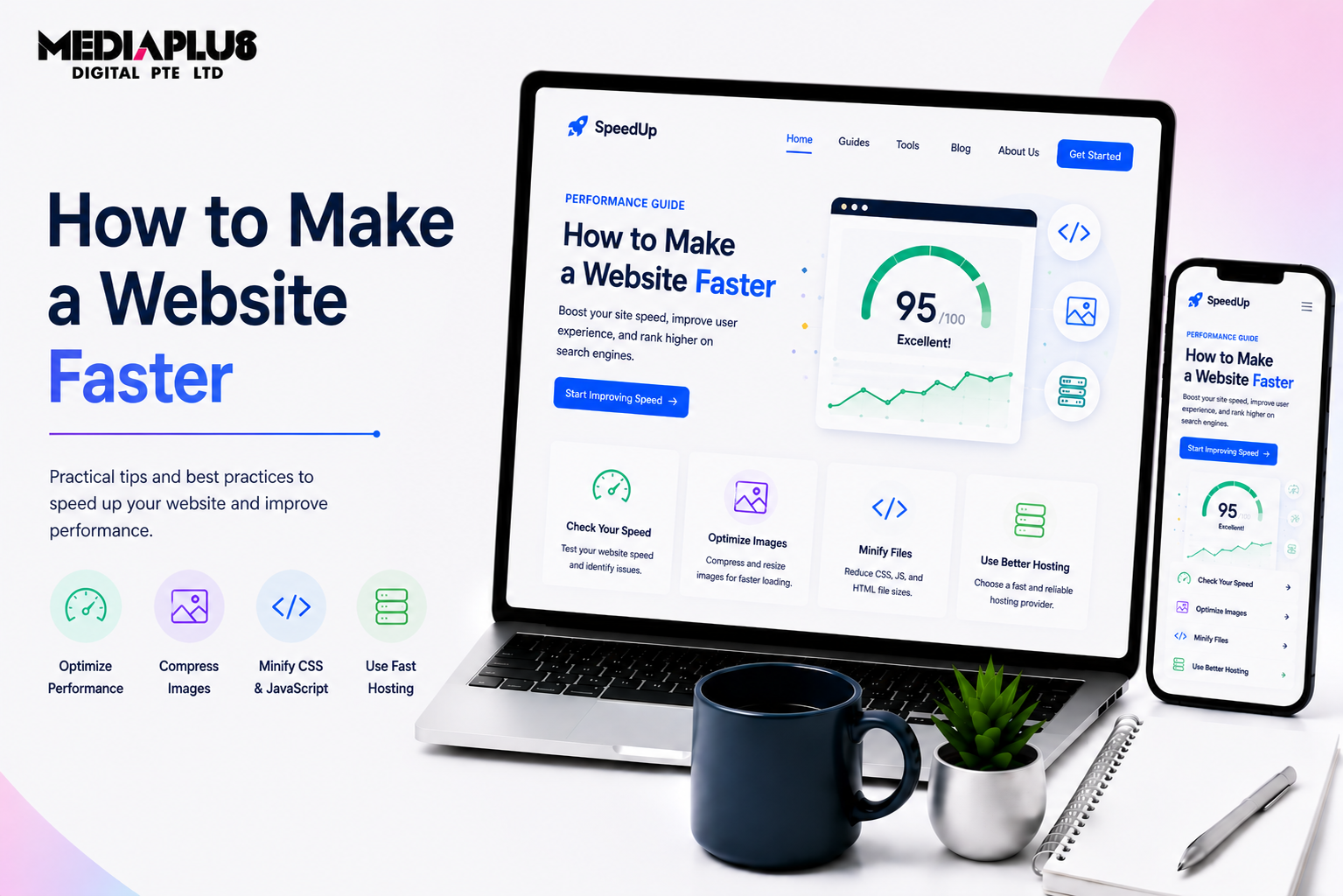
A slow website quietly costs you customers and rankings. Most visitors leave a page that takes more than about three seconds to load, and Google uses speed (through Core Web Vitals) as a ranking factor. Faster pages mean more visitors who stay, more conversions, and better SEO. This guide covers how to make a website faster, from the quick wins to the deeper fixes.
Measure first
Before you optimise, measure. Use Google PageSpeed Insights and Search Console to see your Core Web Vitals. The 2026 targets to aim for:
- Largest Contentful Paint (LCP): under 2.5 seconds.
- Interaction to Next Paint (INP): under 200 milliseconds.
- Cumulative Layout Shift (CLS): under 0.1.
Knowing your starting point tells you what to fix and shows your progress.
How to make your website faster
1. Optimise your images
Images are usually the biggest cause of slow pages. Compress them, use modern formats (like WebP), size them correctly (do not load a huge image into a small space), and lazy-load images below the fold. This alone often makes the biggest difference.
2. Use good hosting
Cheap shared hosting is a common bottleneck. Faster, quality hosting (or managed hosting for WordPress) improves load times across the whole site. As you grow, hosting matters more.
3. Enable caching
Caching stores a ready-made version of your pages so they load faster for repeat visitors. On WordPress, a caching plugin handles this. It is one of the easiest big wins.
4. Use a CDN
A content delivery network serves your site from servers close to each visitor, which speeds up loading, especially for visitors far from your main server. Useful for sites with a wide or international audience.
5. Minify and reduce code
Minify CSS, JavaScript, and HTML (remove unnecessary characters), and remove unused code. Defer or async non-critical scripts so they do not block the page from rendering.
6. Cut down on plugins and third-party scripts
Every plugin and external script (chat widgets, trackers, fonts) adds weight. Keep only what you need, and remove anything that is not earning its place.
7. Reduce redirects
Each redirect adds a delay. Fix redirect chains and remove unnecessary ones.
8. Optimise for mobile
Most visitors are on a phone, so test and optimise mobile speed specifically. A site can be fast on desktop and slow on mobile.
9. Keep everything updated
Updated software, themes, and plugins are usually faster and more secure. Outdated code slows sites and creates risks.
Quick wins vs deeper work
- Quick wins: compress images, enable caching, remove unused plugins, and lazy-load images. Most sites see a real improvement from these alone.
- Deeper work: better hosting, a CDN, code optimisation, and cleaning up scripts. These need more skill but deliver the biggest gains on a heavy site.
Frequently asked questions
Why is my website so slow?
The most common causes are large unoptimised images, cheap or overloaded hosting, no caching, too many plugins and third-party scripts, and bloated code. Measuring with PageSpeed Insights shows which applies to you.
How fast should a website load?
Aim for a Largest Contentful Paint under 2.5 seconds, Interaction to Next Paint under 200 milliseconds, and Cumulative Layout Shift under 0.1. In practice, aim to load the main content in under about three seconds.
Does website speed affect SEO?
Yes. Google uses Core Web Vitals as a ranking signal, and faster pages keep visitors and convert better, so speed helps both rankings and results.
What slows a website down the most?
Large, unoptimised images are the most common culprit, followed by slow hosting, no caching, and too many plugins or scripts.
Can I make my website faster myself?
You can do the quick wins yourself: compress images, add a caching plugin, and remove unused plugins. Deeper work like hosting, a CDN, and code optimisation may need a developer.
The bottom line
Making a website faster comes down to lighter images, good hosting, caching, a CDN, cleaner code, and fewer plugins, measured against Core Web Vitals. Start with the quick wins (images and caching), then work through the deeper fixes. A faster site keeps more visitors, converts better, and ranks higher.
Want your website audited and sped up? Talk to MediaPlus Digital about web design and development and claim a free RM300 consultation.