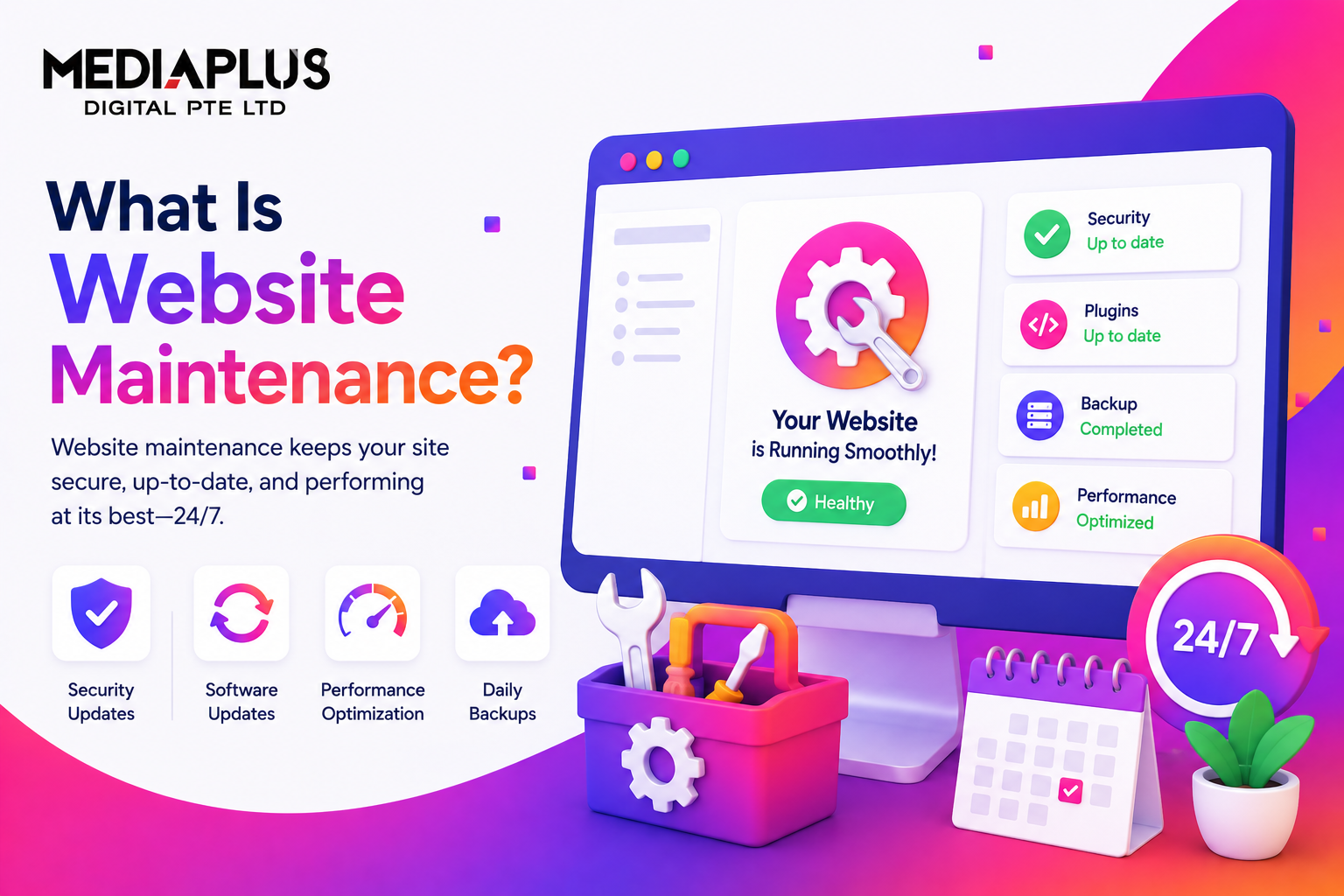
Quick answer: Website maintenance is the ongoing work of keeping a website secure, updated, and running well: applying security patches, updating software, backing up data, fixing broken links, refreshing content, and monitoring speed and uptime. Done regularly, it protects your site from hacks and downtime, keeps it fast, and helps it rank. Most business sites need maintenance at least monthly, costing around RM150 to RM5,000+ a month in Malaysia depending on size.
What is website maintenance?
Website maintenance is the routine of checking, updating, and improving a website so it keeps working the way it should. It covers everything from installing security updates and backing up your data to fixing broken links, refreshing content, and keeping pages loading fast.
Think of it like servicing a car. A website is not “build it and forget it”. Software ages, plugins need updates, security threats evolve, and content goes stale. Maintenance is the regular servicing that keeps the whole thing safe, current, and reliable.
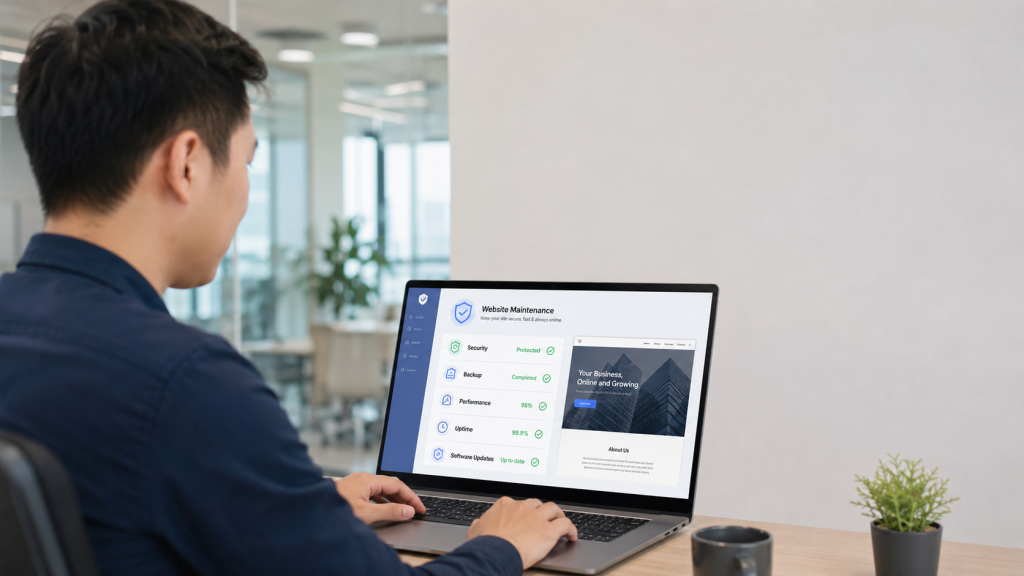
Why website maintenance matters
Skipping maintenance is one of the most common and costly mistakes a business makes with its site. Here is why it matters:
- Security. Most hacks exploit outdated software. Regular updates and scans close the holes before attackers find them.
- Customers research online first. People check your site before they buy. A broken, slow, or outdated site quietly loses you sales.
- Search rankings. Google favours sites that are fast, secure, and updated. Neglect shows up as lower rankings.
- User experience. Working links, current information, and fast pages keep visitors engaged instead of bouncing.
- Data protection. Backups and security keep your and your customers’ data safe, which also matters for PDPA compliance.
- Cost control. Small, regular fixes are far cheaper than an emergency rebuild after a hack or crash.
What does website maintenance include?
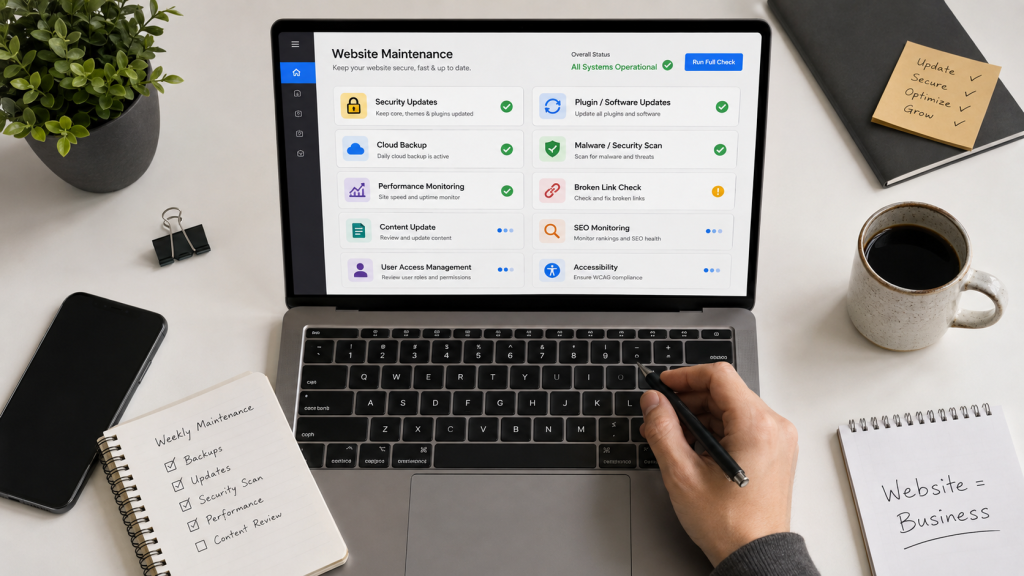
Good maintenance is broader than most owners realise. These are the core tasks:
- Security updates for the CMS, plugins, and themes.
- Software and plugin updates to keep features working and compatible.
- Backups and disaster recovery so you can restore the site if something breaks.
- Security scans to detect malware and vulnerabilities.
- Uptime monitoring so you know immediately if the site goes down.
- Performance and speed optimisation (images, caching, Core Web Vitals).
- Broken link and error fixes across pages and forms.
- Content updates to keep information, prices, and offers current.
- SEO monitoring to catch ranking drops and technical issues.
- User and access management (accounts, permissions, admin hygiene).
- Accessibility checks so the site stays usable for everyone.
How often should you maintain a website?
Different tasks run on different schedules. A practical routine:
|
Frequency |
Tasks |
|
Daily / automated |
Uptime monitoring, security monitoring, backups |
|
Weekly |
Software and plugin updates, broken-link checks, form tests, backup checks |
|
Monthly |
Security scans, speed checks, content updates, SEO review, analytics review |
|
Quarterly |
Full backup test, design and UX review, plugin cleanup, accessibility check |
|
Yearly |
Domain and SSL renewal, hosting review, full content and SEO audit, redesign review |
As a rule, do a maintenance pass at least once a month, with monitoring and backups running automatically in between.
Signs your website needs maintenance
- It loads slowly or feels sluggish
- You see broken links, images, or forms
- Software, plugins, or the CMS show “update available”
- Content, prices, or team details are out of date
- Rankings or traffic are slipping
- Security warnings, spam, or suspicious activity appear
- It has been months since your last backup
If any of these sound familiar, your site is overdue.
DIY vs professional website maintenance
|
DIY |
Professional |
|
|
Cost |
Lower out of pocket |
A monthly fee |
|
Time |
Yours |
Handled for you |
|
Skill needed |
Technical know-how |
None on your side |
|
Risk |
Mistakes can break the site |
Managed and backed up |
|
Best for |
Small sites, technical owners |
Business sites that cannot afford downtime |
DIY can work for a simple site if you are comfortable with updates and backups. For a business site where downtime or a hack costs you money, professional maintenance is usually worth it. See our website maintenance services.
How much does website maintenance cost in Malaysia?
Cost depends on the size of the site and how much is included. As a 2026 guide:
|
Plan level |
Approx cost/month |
Typical for |
|
Basic |
RM150 to RM500 |
Small brochure sites |
|
Standard |
RM500 to RM1,500 |
Business and CMS sites |
|
Ecommerce / advanced |
RM1,500 to RM5,000+ |
Online stores, larger sites |
For a fuller breakdown, see our website maintenance cost in Malaysia guide. Platform-specific upkeep is covered in our WordPress maintenance and Shopify maintenance pages.
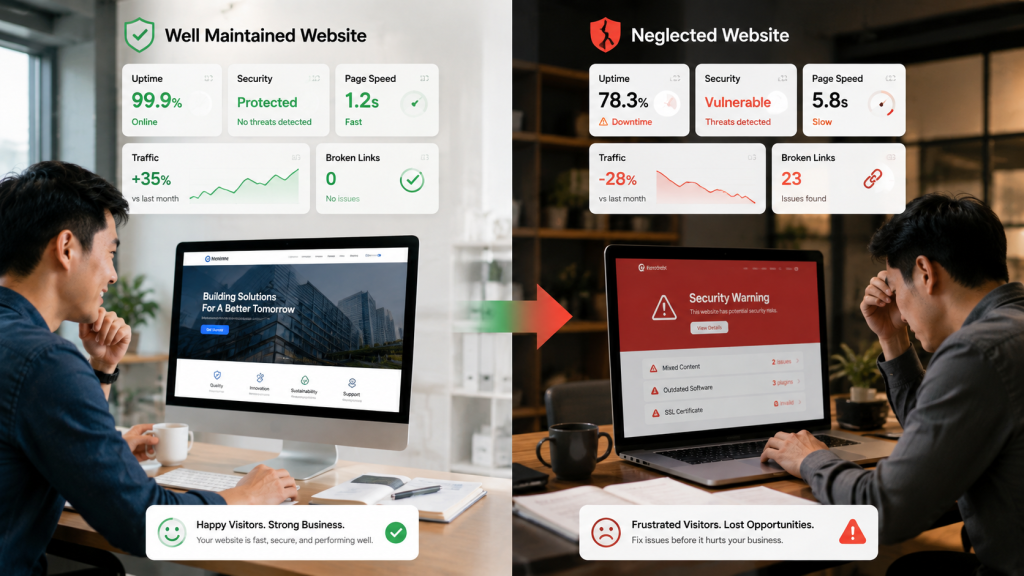
What happens if you skip website maintenance
- Getting hacked. Outdated software is the top entry point for attackers.
- Downtime. A crash with no backup can take your site offline for days.
- Lost sales. Slow pages and broken checkouts turn customers away.
- Falling rankings. Google demotes slow, insecure, stale sites.
- Expensive rebuilds. Neglect often ends in a full rebuild that costs far more than upkeep would have.
How to choose a website maintenance provider
- Clear scope. Know exactly what the plan includes (updates, backups, security, support).
- Backup and recovery. Confirm how often they back up and how fast they can restore.
- Response time. How quickly do they act when something breaks?
- Reporting. You should get regular reports on what was done.
- Security focus. Ask how they handle updates, scans, and threats.
- Ownership. You keep your domain, hosting, and access.
Frequently asked questions
What is website maintenance in simple terms?
It is the regular work of keeping a website secure, updated, and running well: updates, backups, security, fixes, content, and performance.
How often should a website be maintained?
At least monthly for core tasks, with monitoring and backups running automatically day to day. Larger and ecommerce sites need more frequent attention.
How much does website maintenance cost in Malaysia?
Around RM150 to RM500 a month for small sites, RM500 to RM1,500 for business sites, and RM1,500 to RM5,000+ for ecommerce or larger sites.
Can I maintain my website myself?
Yes, for a simple site, if you are comfortable with updates and backups. For a business site where downtime is costly, professional maintenance is usually the safer choice.
What happens if I do not maintain my website?
It becomes vulnerable to hacks, slower, more prone to downtime, and more likely to lose rankings and sales, often ending in an expensive rebuild.
Does website maintenance help SEO?
Yes. Fast, secure, updated sites with working links and fresh content rank better than neglected ones.
The bottom line
Website maintenance is the regular servicing that keeps your site secure, fast, and current. Handle security, updates, backups, performance, and content on a clear schedule, at least monthly, and you avoid the far bigger costs of hacks, downtime, and lost sales. It is not optional for a site that matters to your business.
Want your website looked after so you never worry about updates, security, or downtime? Talk to MediaPlus Digital about website maintenance services and claim a free RM300 consultation.