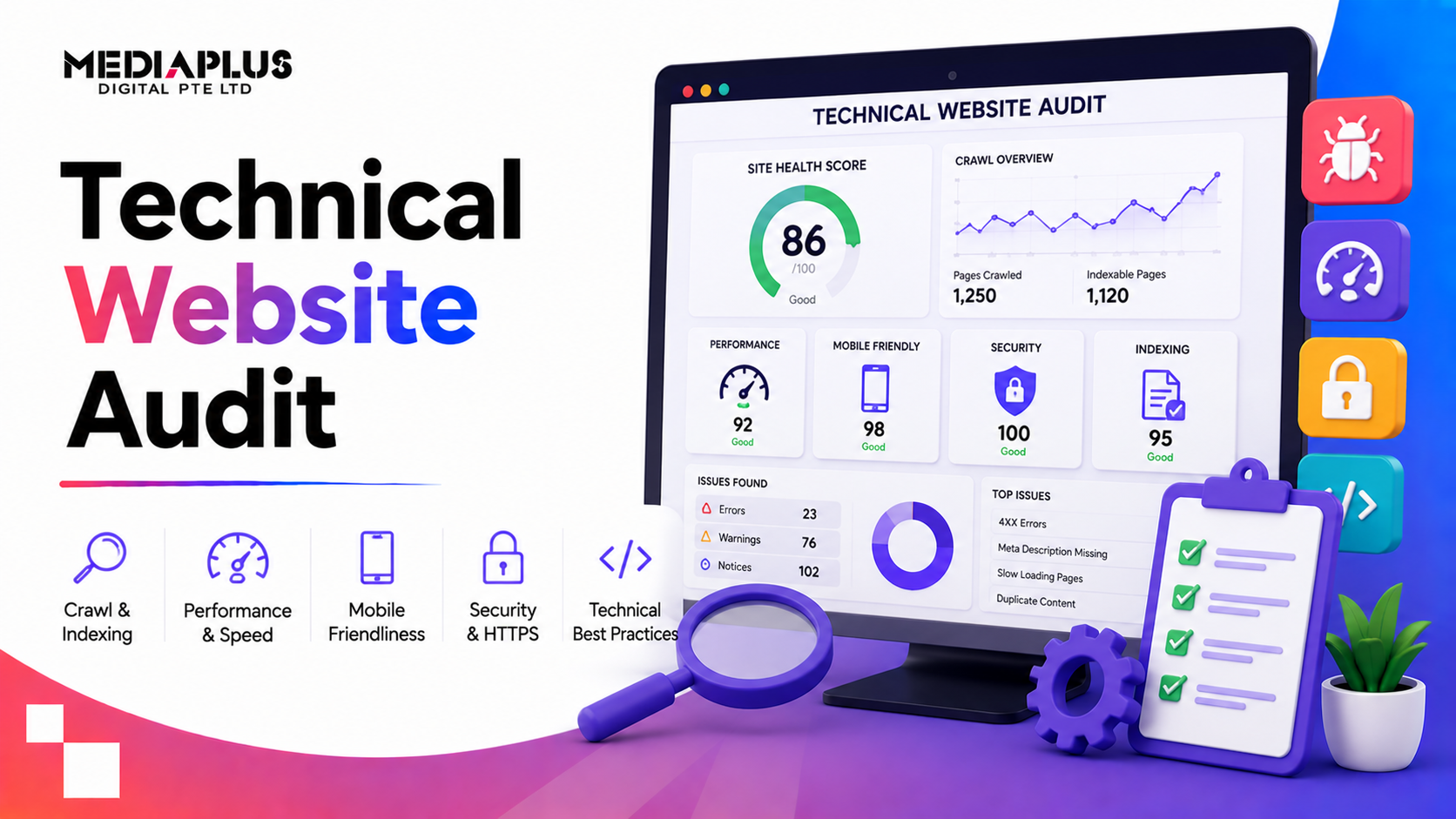
A technical website audit is a health check for the parts of your site that search engines and browsers care about but visitors never see: how it is crawled, indexed, how fast it loads, and whether anything is quietly broken. Skip it and small issues pile up until rankings and conversions slide. This guide explains what a technical audit covers, gives you a checklist, and shows how to run one.
What is a technical website audit?
A technical website audit reviews the technical foundations of your site, the infrastructure that determines whether search engines can find, crawl, and index your pages, and whether users get a fast, secure, working experience. It is different from a content or on-page audit, which looks at what your pages say. Technical is about how the site works underneath.
Why a technical audit matters
- Rankings: Google cannot rank pages it cannot crawl, index, or load quickly.
- Traffic: technical errors quietly remove pages from search.
- Conversions: slow, broken, or insecure pages lose customers.
- Foundations: content and links only pay off on a technically sound site.
Think of it as servicing the engine. The paintwork does not matter if the car will not start.
The technical website audit checklist
1. Crawlability and indexing
- robots.txt allows important pages and blocks only what should be blocked.
- No important pages are set to noindex by mistake.
- An XML sitemap exists, is current, and is submitted in Google Search Console.
- Check Search Console coverage for pages excluded or with errors.
- No crawl traps (endless filter or calendar URLs) wasting crawl budget.
2. Site speed and Core Web Vitals
- Pages load fast on mobile and desktop.
- Largest Contentful Paint, Interaction to Next Paint, and Cumulative Layout Shift are in the good range.
- Images are compressed and correctly sized.
- Browser caching and a CDN are in use where helpful.
- Unused CSS and JavaScript are minimised.
3. Mobile-friendliness
- The site is responsive and works on all screen sizes.
- Tap targets and text are readable without zooming.
- No content is blocked or broken on mobile.
4. Security and HTTPS
- The whole site runs on HTTPS with a valid SSL certificate.
- No mixed-content warnings (HTTP resources on HTTPS pages).
- HTTP versions redirect to HTTPS.
5. Site architecture and URLs
- Important pages are within a few clicks of the home page.
- URLs are clean, readable, and consistent.
- Internal linking spreads authority to key pages.
- Breadcrumbs help users and search engines understand structure.
6. Redirects and broken links
- No broken internal links (404s).
- Redirects use 301 for permanent moves, not chains or loops.
- Old, removed pages are redirected, not left to error.
7. Duplicate content and canonicals
- Canonical tags point to the preferred version of each page.
- No unintended duplicate pages (for example www vs non-www, trailing slashes, parameters).
- Pagination and filters are handled correctly.
8. Structured data
- Relevant schema is in place (Organisation, Breadcrumb, Product, FAQ, Article).
- Structured data validates without errors.
9. International and local (if relevant)
- hreflang is correct if you serve multiple languages or regions.
- Local business details are consistent.
10. Monitoring
- Google Search Console and Analytics are installed and tracking.
- You review Search Console for new errors regularly.
Tools you can use
- Google Search Console: indexing, coverage, and Core Web Vitals, straight from Google.
- PageSpeed Insights: speed and Core Web Vitals scores.
- A crawler (such as Screaming Frog or Sitebulb) to find broken links, redirects, and duplicate content.
- Rich Results Test: to validate structured data.
How often should you run a technical audit?
Run a full technical audit at least once or twice a year, after any major site change or migration, and whenever you see an unexplained drop in traffic. Between full audits, check Search Console monthly for new errors.
Frequently asked questions
What is a technical website audit?
A review of your site’s technical foundations, including crawlability, indexing, speed, mobile-friendliness, security, architecture, redirects, duplicate content, and structured data, to make sure search engines and users can access and use your site properly.
What is the difference between a technical audit and an SEO audit?
A technical audit focuses on the site’s infrastructure. A full SEO audit is broader, adding on-page content, keywords, and off-page factors like backlinks. Technical is a core part of a full SEO audit.
How long does a technical audit take?
A basic audit of a small site can take a day; a thorough audit of a large site takes several days, plus time to fix what it finds.
Can I do a technical audit myself?
You can run the checks with free tools, but interpreting and fixing the issues often needs technical or SEO expertise, especially on larger sites.
Get a professional technical audit
Running the checklist yourself will surface a lot, but fixing technical issues correctly is where results come from. Our team runs technical audits and fixes as part of our SEO services, and you can pair this with our SEO audit checklist for the on-page and off-page side.
Talk to MediaPlus Digital for a free RM300 website audit.